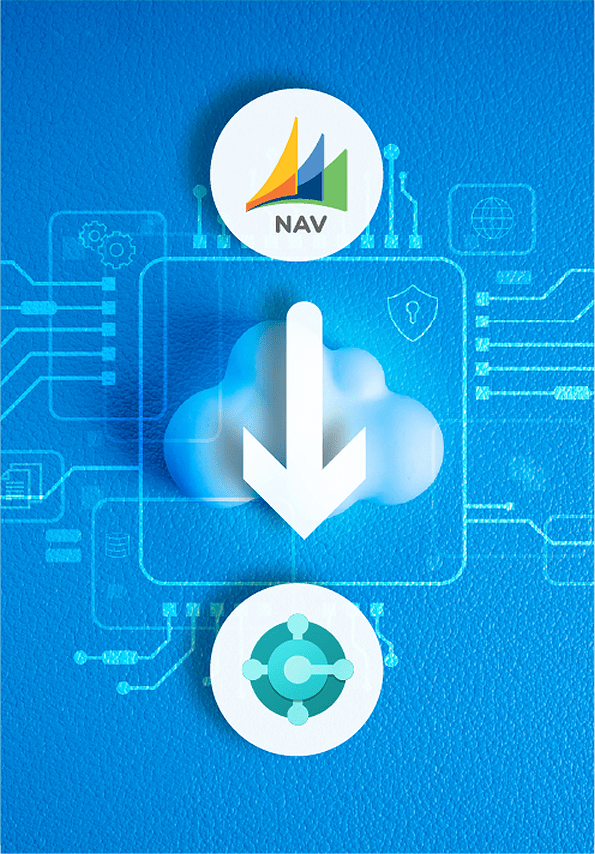
Migrate from Microsoft Dynamics NAV to Dynamics 365 Business Central
OmniVue helps organizations migrate from Microsoft Dynamics NAV to Microsoft Dynamics 365 Business Central. As a Microsoft Solutions Partner, we guide businesses through migration planning, data transfer, system configuration, reporting, and user training. We work with you to assess your existing NAV environment, plan for customizations and integrations, and prepare your team for the transition to Business Central.
Why Transition from Dynamics NAV?
End of Support Deadlines:
Many Dynamics NAV versions are approaching or have already passed their end-of-support dates. For example:
- NAV 2015: Extended support ends January 14, 2025
- NAV 2016: Ends April 14, 2026
- NAV 2017: Ends January 11, 2027
- NAV 2018: Ends January 11, 2028
Compatibility & Security:
With Windows 10 support ending October 14, 2025, NAV environments dependent on legacy infrastructure are at risk of compatibility failures.
Upgrading to Dynamics 365 Business Central ensures continued compatibility, enhanced security, and access to Microsoft’s latest platform innovations and support.
Cost & Efficiency:
Legacy NAV systems often come with rising maintenance costs, limited cloud capabilities, and aging integrations.
Business Central offers a modern, cloud-native ERP that:
- Automates manual processes
- Improves team collaboration with Microsoft 365 and Power Platform
- Reduces IT overhead with predictable update cycles and built-in scalability
Planning Your NAV Migration
Every Dynamics NAV environment is different. OmniVue assesses your existing system, including customizations, integrations, data, and reporting requirements, to plan a migration suited to your organization. We help manage the transition, prepare users for the new system, and provide training and support throughout the process.

Why Dynamics 365 Business Central
Microsoft Dynamics 365 Business Central helps organizations modernize financial management, reporting, inventory, and daily operations. For businesses moving from Dynamics NAV, it offers a path to a modern ERP platform with cloud capabilities, regular updates, and integration with Microsoft 365 and other business tools.
Your NAV Migration, Made Simple
Step-by-Step Upgrade Process with OmniVue
Initial Assessment and Planning
We start with a thorough assessment of your NAV system, identifying customizations and data requirements to ensure a smooth transition to Business Central.
Data Migration
Using secure migration tools, we transfer all necessary data from Dynamics NAV to Business Central, ensuring accuracy and compliance throughout the process.
System Customization and Configuration
Our experts configure Business Central to fit your unique workflows, optimizing it with new functionalities for maximum productivity.
Training and Support
We provide comprehensive training to make sure your team is confident and ready to fully leverage Business Central’s features.
Go-Live and Ongoing Optimization
After launch, we provide continuous support and optimization to help you get the most out of Business Central and maximize your investment.
Benefits of Upgrading to Business Central from Dynamics NAV
Cloud-Based, Scalable Platform
Unlike Dynamics NAV, which relies on on-premises setups, Business Central is fully cloud-based, providing you with secure remote access, automatic updates, and built-in scalability. This flexibility supports business growth without the need for additional hardware, ensuring your ERP system is always up to date and accessible.

Enhanced AI and Automation
Business Central offers advanced AI capabilities and automation tools that NAV lacks, bringing features like predictive stock replenishment, automated financial reporting, and improved insights. These tools streamline operations, reduce manual tasks, and empower your team with more accurate, data-driven decision-making.
Seamless Integration with Microsoft’s Ecosystem
Business Central is designed to integrate deeply with other Microsoft products like Office 365, Power BI, and Azure, creating a unified workspace that Dynamics NAV can’t match. This level of integration allows your team to share data seamlessly and collaborate using familiar tools, driving efficiency and productivity.
Future-Proofed ERP Investment
Microsoft has shifted its focus to Business Central, which means continuous improvements, enhanced security, and long-term support—something no longer available with NAV. Upgrading ensures you’re aligned with Microsoft’s future roadmap, giving you an ERP solution built to grow with your business.
What to Consider Before Migrating from Dynamics NAV
Before moving to Business Central, assess these important areas of your existing NAV environment:

Customizations: Identify NAV modifications and determine how they should be handled in Business Central.

Data migration: Decide which historical and operational data needs to move to the new system.

Integrations and reporting: Review connected applications, reports, and workflows that need to continue working.

User training: Prepare employees for changes to processes and the new system interface.
Our Expertise
OmniVue combines deep experience with proven technology to help businesses thrive.
Explore our latest blog posts to learn how modern solutions can transform your business:
Dynamics GP vs. Business Central: Key Differences and Next Steps
Compare core features, deployment options, and timelines to determine whether it’s time to move from Dynamics GP to the modern capabilities of Business Central.
From Dynamics GP to Business Central: Why Switch Now
Discover the key advantages of moving to Business Central, from improved scalability to seamless cloud integration.
AI-Powered Efficiency with Copilot and Business Central
Learn how built-in AI features like Microsoft Copilot streamline processes, automate tasks, and boost productivity in Business Central.